· 7 min read
IT Checklist for Opening a New Business in Winnipeg
Everything your new business needs on the technology side, in the order that makes sense, so nothing is missing on opening day.
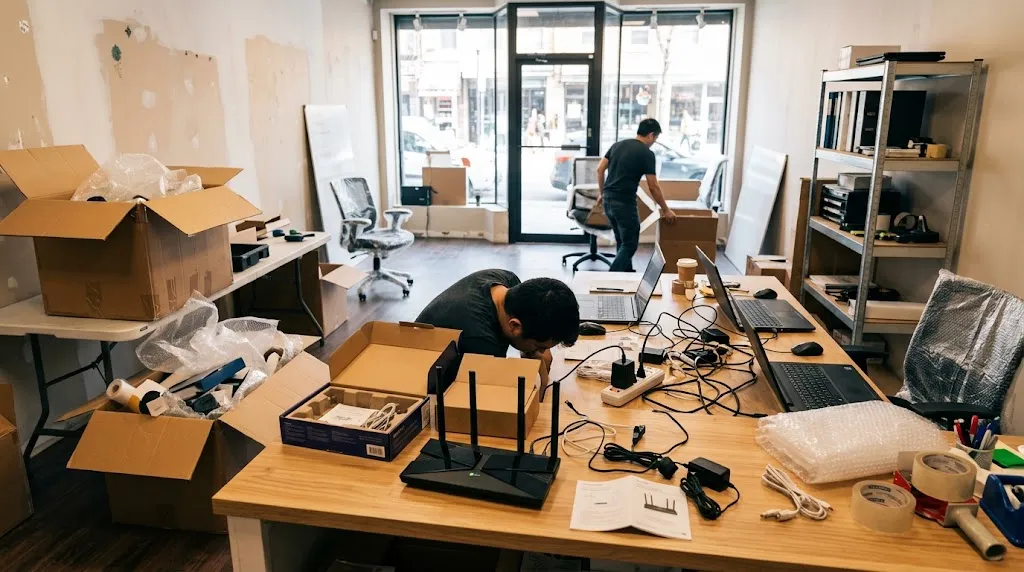
Opening a business in Winnipeg comes with a long to-do list: lease, permits, inventory, staff, signage. Technology often gets left until the last week, and that’s when things go wrong. Internet isn’t installed, the card terminal won’t connect, and customers can’t find you on Google.
Here’s a practical checklist, in the order we recommend.
1. Order internet early (4+ weeks before opening)
Internet installation can take one to three weeks, especially in new or renovated spaces. Call providers as soon as you sign the lease. Ask about:
- Business plans vs. residential plans (business plans usually include better support)
- Upload speed, not just download, which matters for cloud backups, video calls and VoIP phones
- Where the modem will be installed, ideally in a central spot or a back office with power
2. Register your domain name
Before you print signs or business cards, register your domain (for example, yourbusiness.ca). A .ca domain tells customers you’re Canadian. Make sure the domain is registered in your business’s name with an account you control, not a designer’s or a friend’s.
3. Set up professional email
Use you@yourbusiness.ca instead of a free Gmail or Hotmail address. Microsoft 365 and Google Workspace are the two best options for small businesses. Whichever you choose, make sure your domain has SPF, DKIM and DMARC records set up, or your quotes and invoices may land in spam.
4. Plan your equipment (new or refurbished)
Make a list of what each person needs: laptop or desktop, monitor, headset, phone. For most office, retail and admin work, refurbished business-grade computers from Dell, HP or Lenovo offer excellent value. Make sure anything you buy runs Windows 11.
5. Network and Wi-Fi
One internet provider router rarely covers a whole business. Plan for:
- Wi-Fi access points so every area has strong signal, including back rooms and patios
- Separate guest Wi-Fi so customers can’t see your computers or POS
- Wired connections for anything critical, like card terminals, desktops and printers, where possible
6. Business phones
Decide whether you need desk phones, a phone app on your cell, or both. A VoIP system can give you a main business number, voicemail-to-email, and call forwarding when you’re away. If you have an existing number, start the transfer early.
7. Payment system / POS
Compare payment providers based on what you sell, how many transactions you expect, and the hardware you need. Before opening, make sure:
- Products and prices are entered correctly
- Manitoba PST and GST are configured for each item (check with your accountant)
- Staff each have their own login
- You’ve done a few test transactions
8. Website, Google Business Profile and social media
Your Google Business Profile is often the first thing customers see when they search. Set it up with your hours, phone, photos and opening date. Add a simple website and claim your Facebook and Instagram names, all using business accounts you control.
9. Backups
Set up automatic backups from day one. It’s cheap, and it protects your accounting files, customer lists and documents from theft, failure and ransomware.
10. Training
Book a short session to make sure you and your staff know how to use the POS, phones, email and shared files. It’s also a good time to learn how AI tools can help with everyday writing and admin.
Want us to handle it?
We help new Winnipeg businesses with all of the above, as one project with one quote. Use our interactive new business IT setup checklist to tick what you need, and we’ll send you a free quote.