· 7 min read
How to Choose a Payment System for Your Small & Medium Business in Manitoba
Card terminals, POS software, fees and contracts can be confusing. Here’s a simple way to compare options and avoid common setup mistakes.
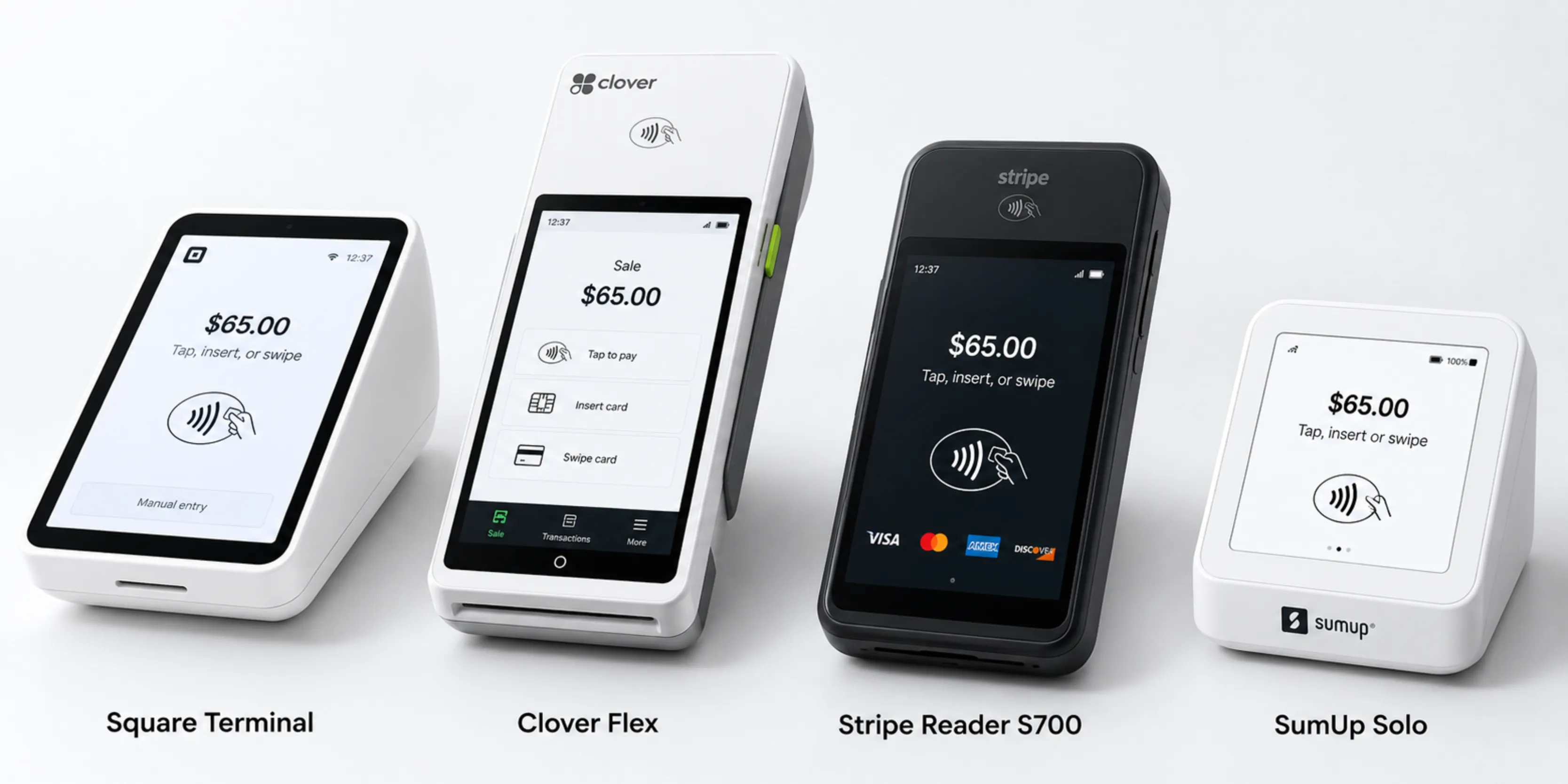
Choosing how you’ll get paid is one of the most important tech decisions for a new business, and switching later can be a hassle. Here’s how to compare your options without getting lost in sales pitches.
Step 1: Know what you actually need
Start with how you sell:
- Retail shop: inventory, barcodes, receipt printer, maybe an online store
- Restaurant or café: table and order management, modifiers, kitchen printers, tipping
- Salon or service business: appointments, staff commissions, deposits
- Mobile or trades business: a phone-based card reader and invoices or payment links
- Mostly online: e-commerce integration and payment links
Step 2: Compare the main options
Popular options in Canada include Square, Clover, Moneris, Shopify POS, Helcim and Lightspeed, among others. Each has strengths:
| Consider | Why it matters |
|---|---|
| Hardware | Buy or lease? Terminals, tablets, printers and scanners add up. |
| Transaction fees | Flat-rate pricing is simple; other models can be cheaper at higher volumes. |
| Monthly software fees | Some charge per location or per feature. |
| Contracts | Watch for long contracts and cancellation fees, especially with leased terminals. |
| Features | Make sure it handles your type of business well. |
| Integrations | Does it connect with your accounting software or online store? |
Fees and features change often, so always check the provider’s current pricing before signing.
Step 3: Get taxes right for Manitoba
Your POS needs to apply the right taxes: GST (5%) and Manitoba PST (7%) on most taxable items. Some products and services are exempt or taxed differently. Set up tax rules per category or item, and confirm with your accountant which rules apply to your business.
Step 4: Plan for a reliable connection
Most “the card machine isn’t working” problems are network problems. Make sure:
- Terminals have strong Wi-Fi, or better, a wired connection
- Customer Wi-Fi is on a separate network
- You have a backup plan, like a phone-based reader or a mobile hotspot
Step 5: Set it up properly
Before your first sale:
- Enter products, prices and categories carefully
- Create separate staff logins with the right permissions
- Set up receipts with your business name, address and GST number
- Run test transactions, including refunds
- Train staff on the everyday tasks
Need help choosing or setting up?
We’re independent, so we don’t get paid to push a particular provider. We help Manitoba small and medium businesses compare options, then set up terminals, products, taxes and staff accounts. Learn more about our payment and POS setup service.